
01
Photometric context
Clarify whether the team needs optical distribution, measurement context, a layout input or another lighting-design reference.
ProductsRequest the specification set that matches the model.
Products / technical access
Technical review is more useful when the model, configuration, market and requested file types stay connected from the first request.
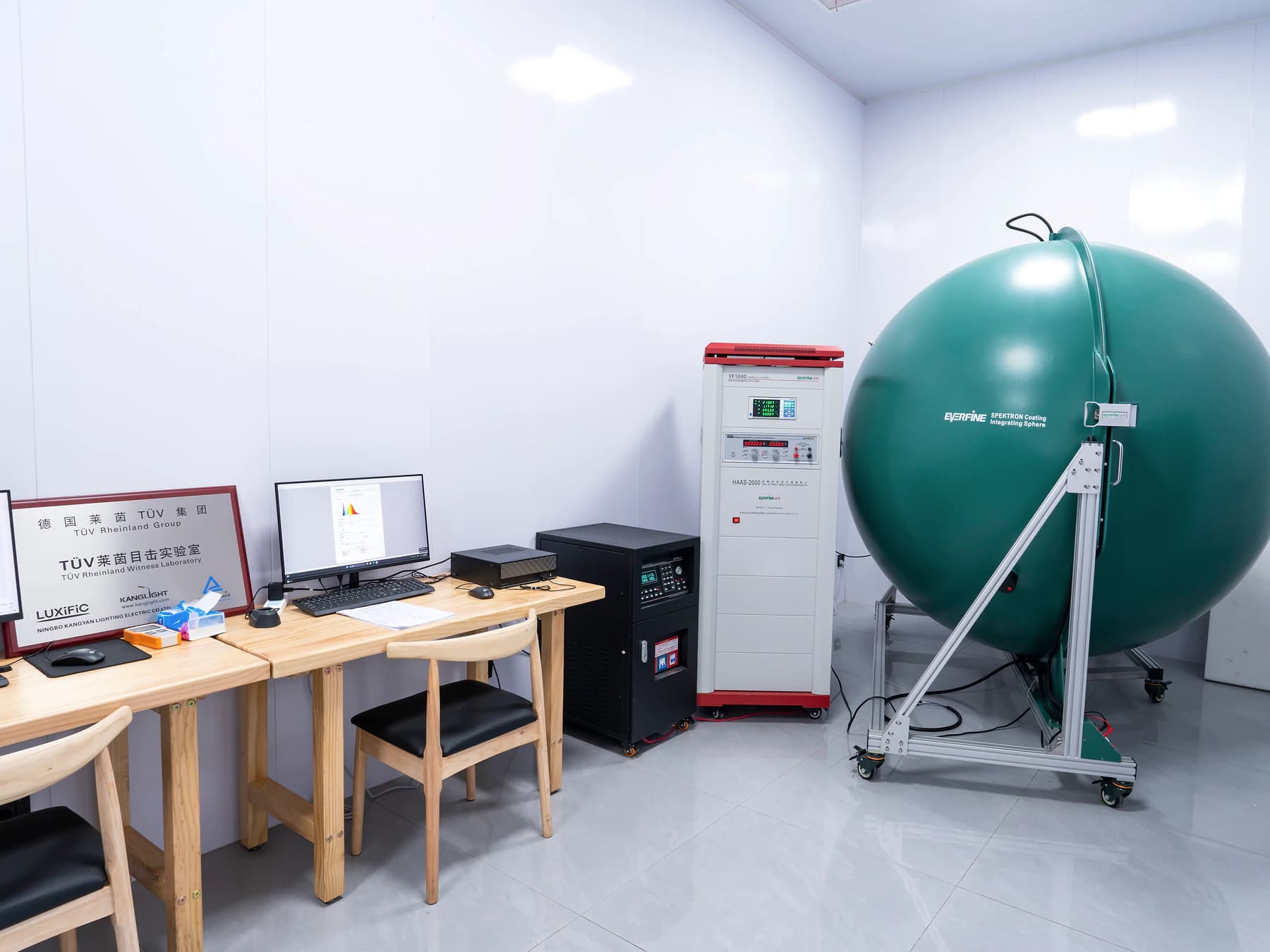
Procurement question
Name the product family or model, the application, the destination market and the decision the document needs to support. This avoids sending a generic file list that cannot answer the project question.
Decision evidence
The public reference explains the request path. The exact files and values depend on the selected configuration and must be confirmed by the team.
Clarify whether the team needs optical distribution, measurement context, a layout input or another lighting-design reference.
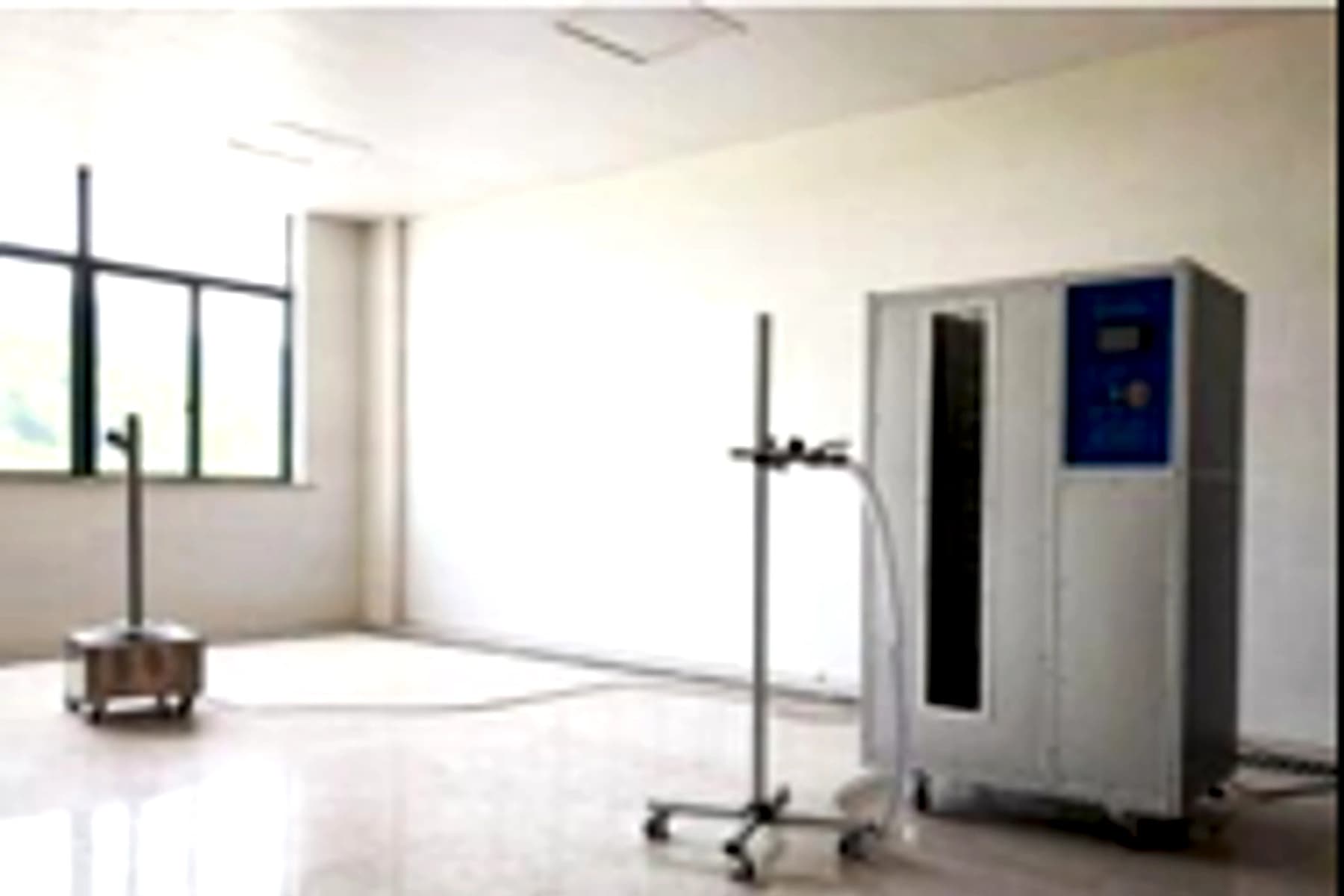
Identify dimensions, mounting, wiring and installation details that matter to the project review.
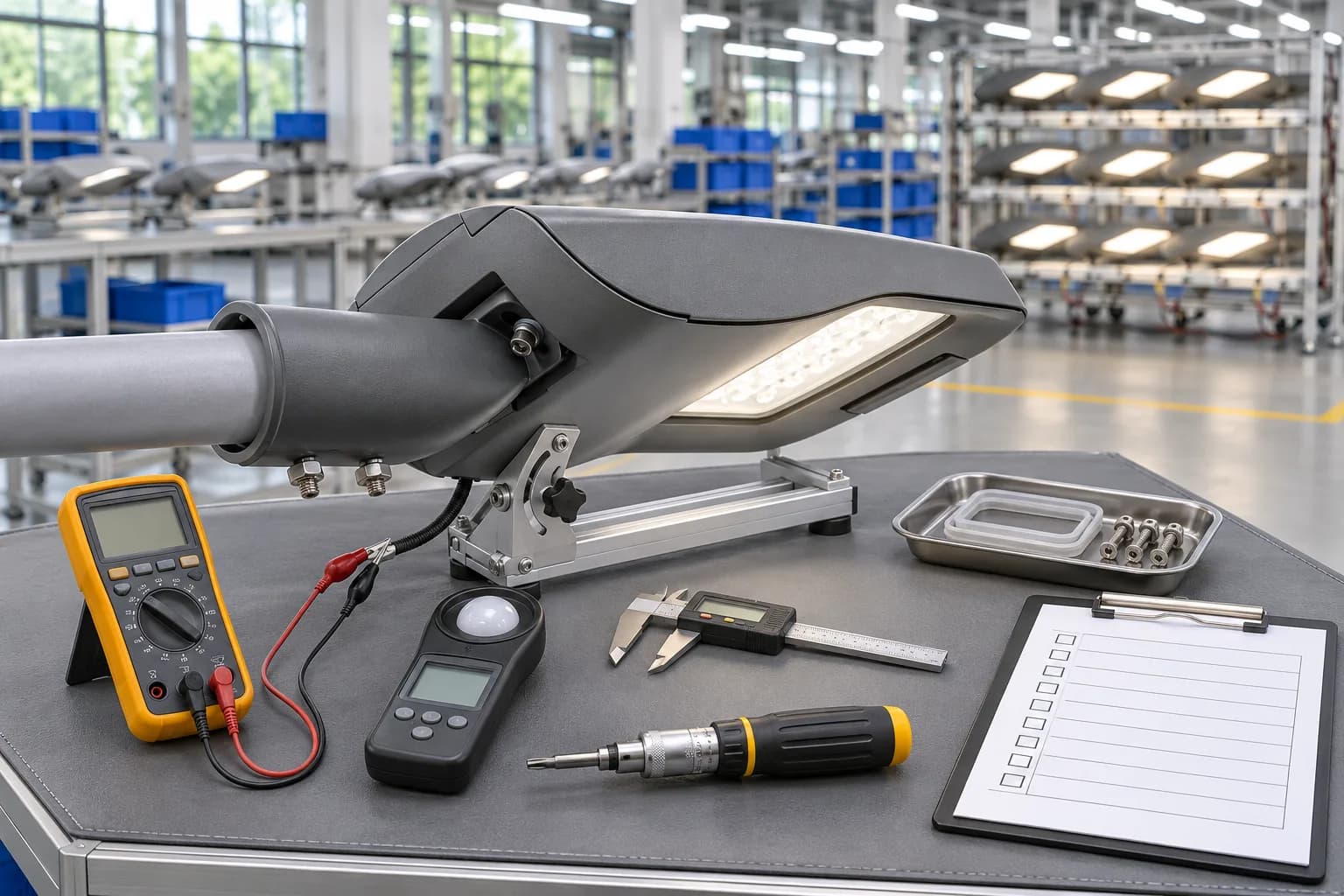
State the destination market and any required documents so the request can be checked against the selected model.
Keep these facts connected
A file is valuable when the project team knows what it will confirm and what remains open after review.
Record the family, model and any known options instead of requesting data for an undefined luminaire.
Explain whether the file is needed for design, approval, procurement, installation or after-sales.
Treat public descriptions as a starting point and ask the team to confirm project-specific values.
Questions to carry forward
Use the answers as a starting point. Model, market and project-specific details still need written confirmation.
No. Available files and access depend on the model, configuration and request. Use the enquiry path to ask for the relevant technical pack.
Yes, but include the application and the families under consideration so the team can direct the request to useful reference material.
Download center
A useful download path is organized around a product, application, market and decision, not a folder of anonymous files.
Tell the team whether the request supports layout, approval, procurement, installation, maintenance or an OEM/ODM review.
The public page identifies useful file categories while keeping unavailable or model-specific documents behind a request path.
Request model-specific drawings, optical references, installation details or configuration information.
Ask for application or reference material that can be shared for the target market and project stage.
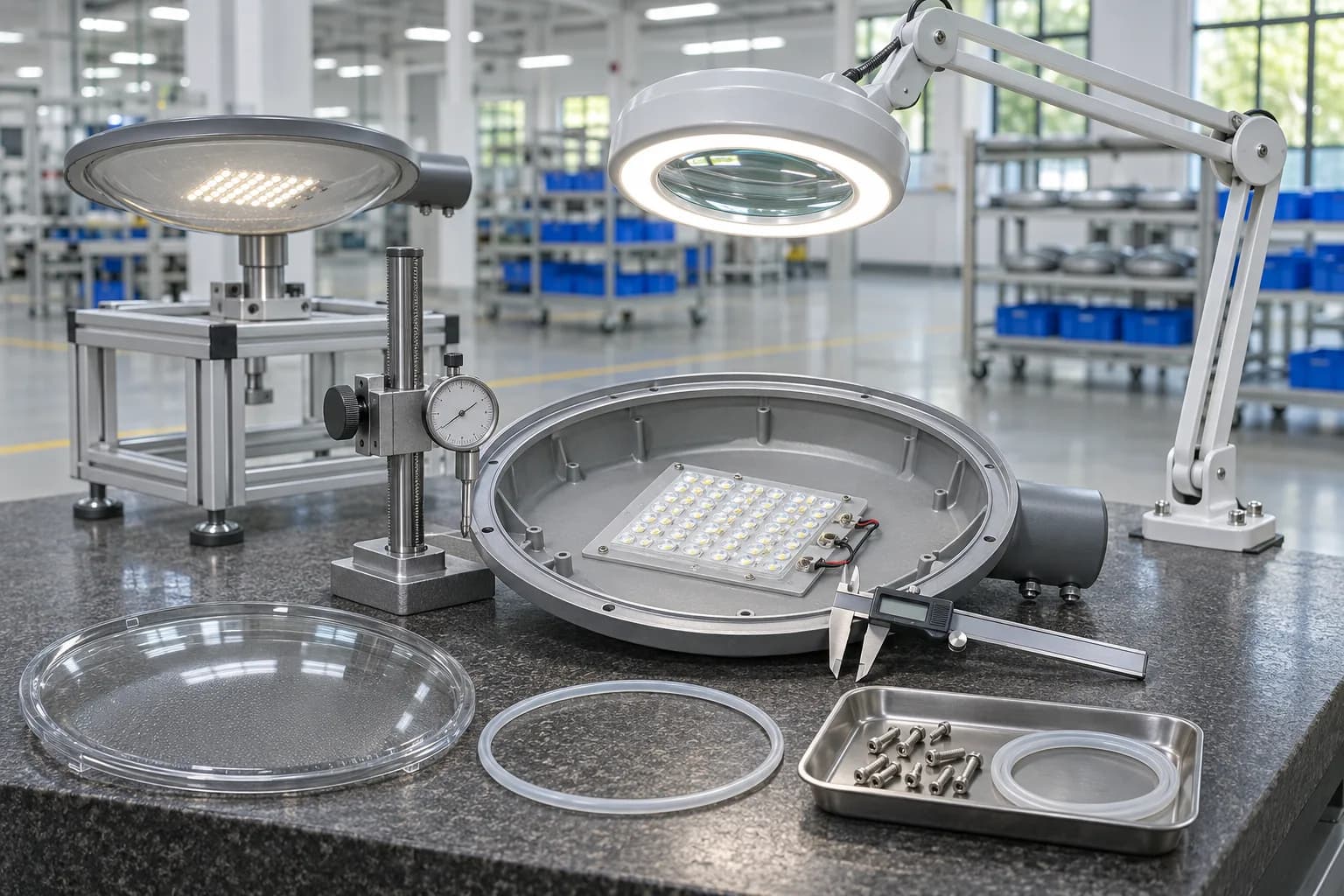
Name the testing or inspection evidence needed rather than asking for unsupported certificates.
When a file is not public or has not been verified, the correct action is a request for the applicable document.
Name the product, version, language and intended use of the requested material.
Record whether the file is public, available on request or requires project confirmation.
Identify whether design, procurement, installation or after-sales needs to use the file.
No. The site does not create fictional certificates, specifications or manuals. Request verified files for the selected product and project.
Send the product or family, application, target market and file purpose through the project enquiry path.
Request a verified project file.
Your next step
Share the application, product context, target market and documents you need reviewed. The final configuration remains subject to the selected model and project brief.