
Application and site
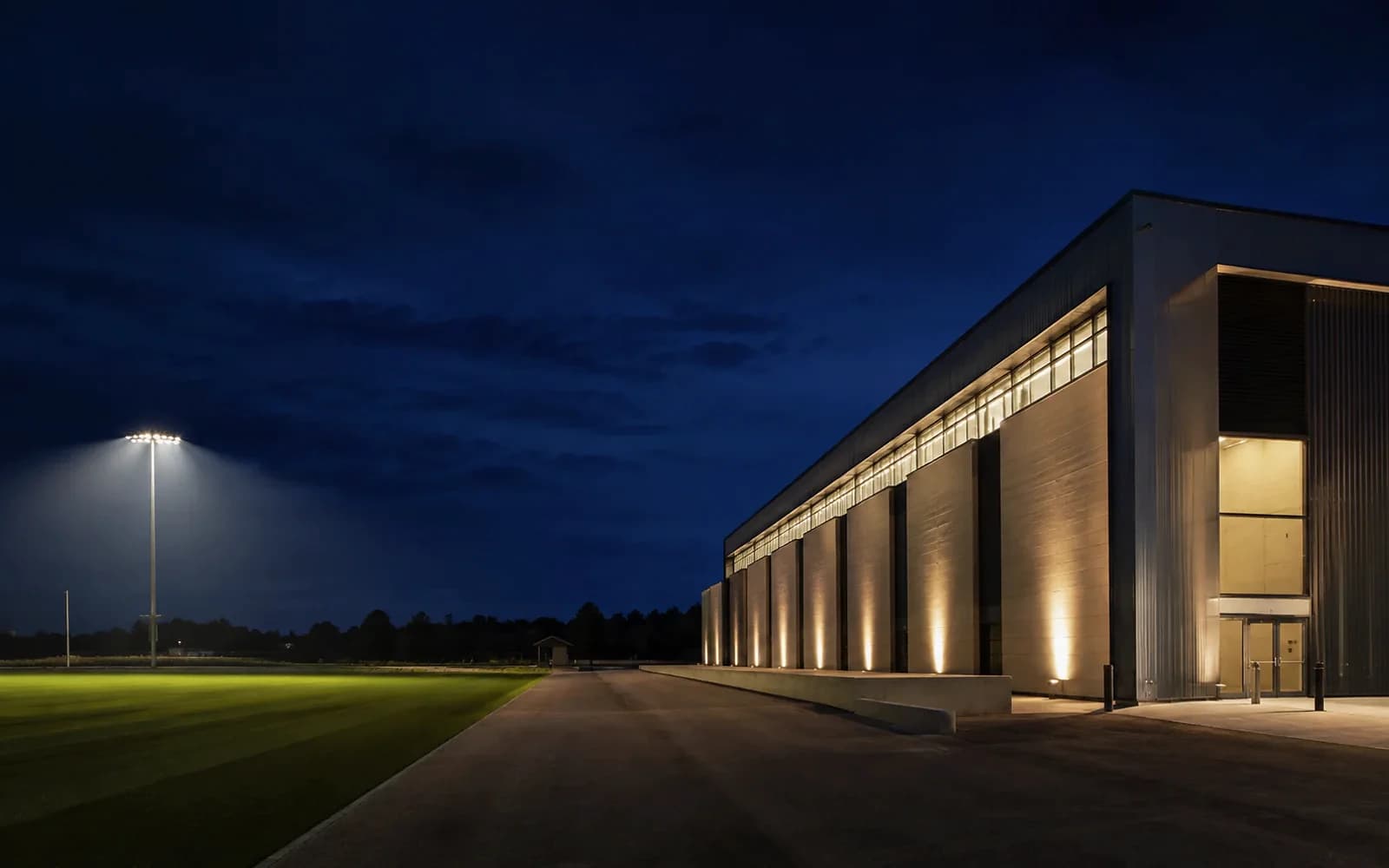
- Describe the road, public space, landscape or floodlighting task.
- Include the installation context and the lighting priorities that shape selection.
Home / Technology
Engineering / manufacturing / verification
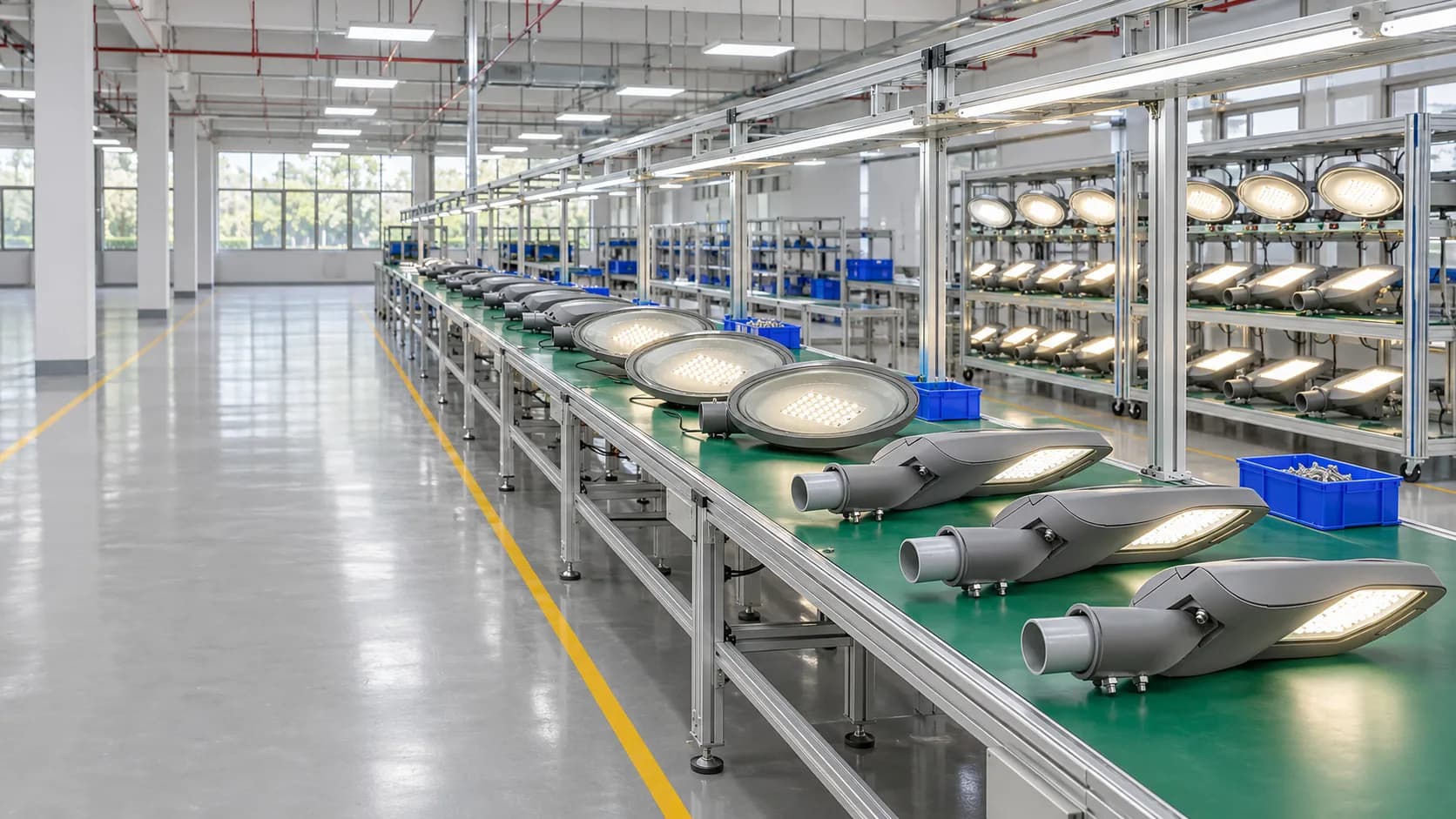
From OEM and ODM collaboration to production and inspection, see actual processes and equipment behind LUXiFiC outdoor luminaires.
From brief to build
A project starts with its application and requirements. The photos below document work and equipment; model-specific performance needs to be confirmed separately.
01
Share a lighting brief and discuss suitable product families or OEM/ODM requirements.
02
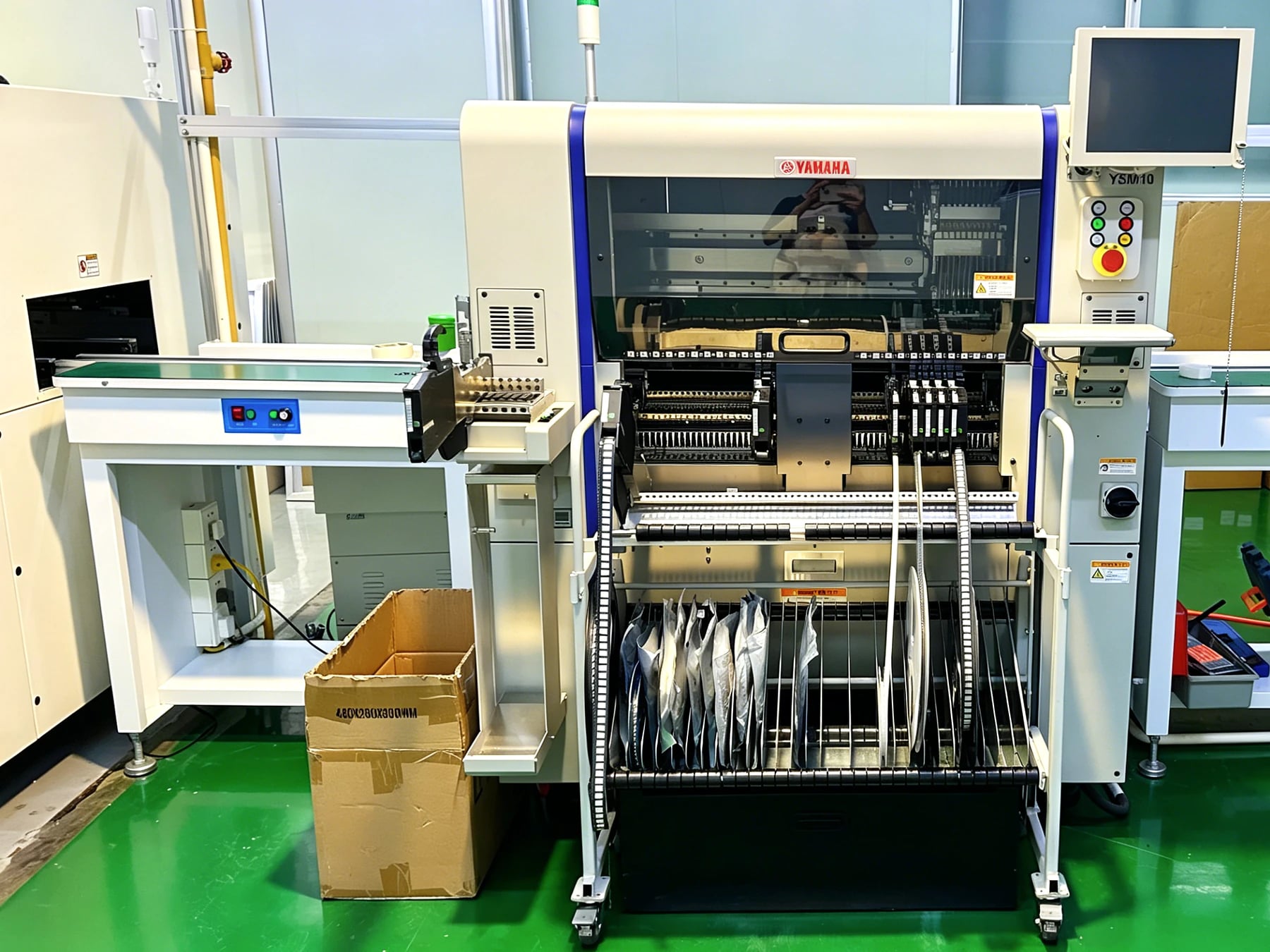
See manufacturing equipment and work used in the LUXiFiC product process.
03
Request the relevant measurement and inspection records for your selected model.
Prepare the conversation
The most useful discussion connects the installation, the required configuration and the evidence your project team needs to review.
Documentary evidence
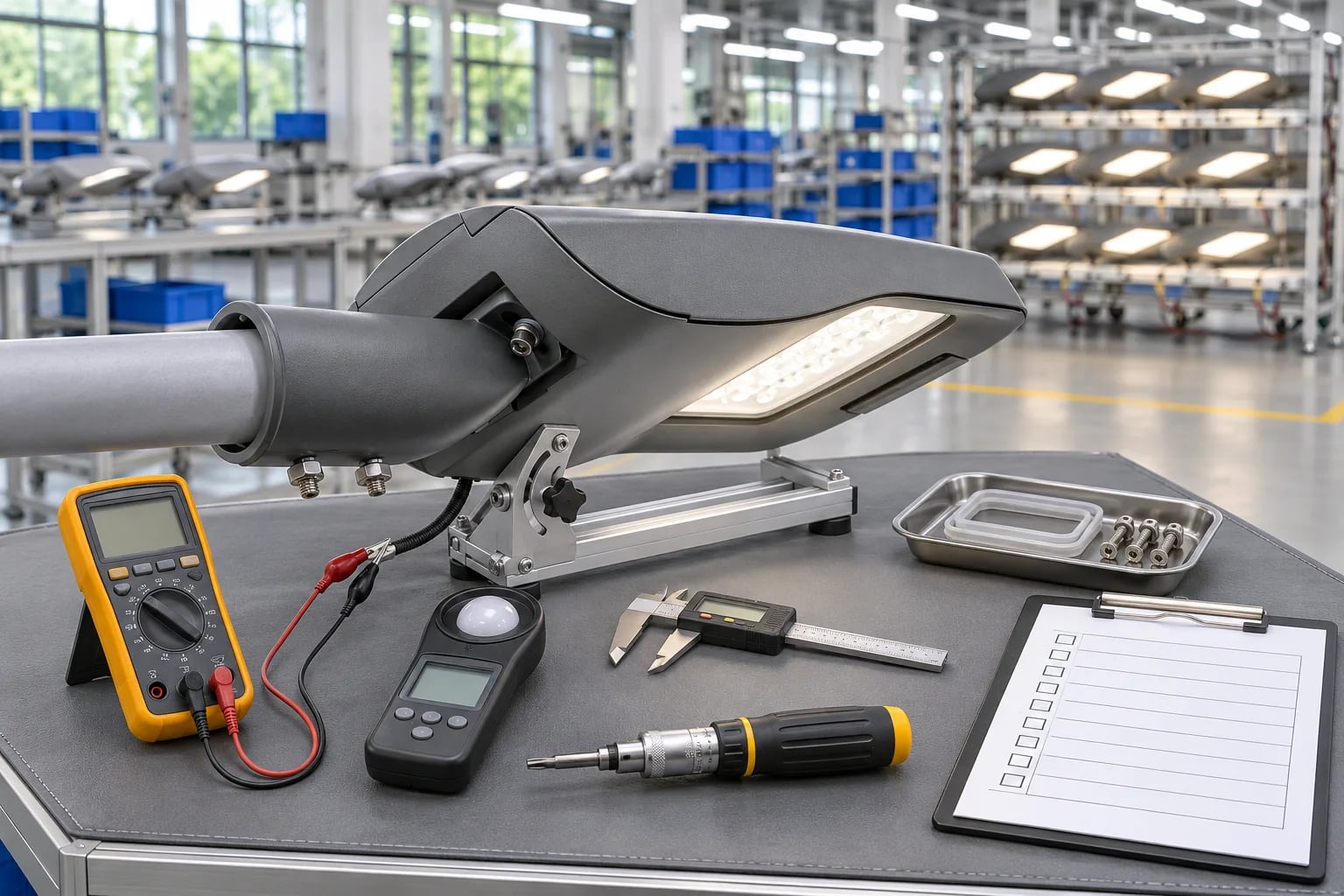
Real production and testing imagery makes it easier to ask the right technical questions.
Optical performance
Photometric evidence becomes useful when the project team can see which application, geometry and design decision it is meant to support.
Name the road, landscape, public-space or facade task, then describe the distribution, glare or aiming question that the design team needs to resolve.
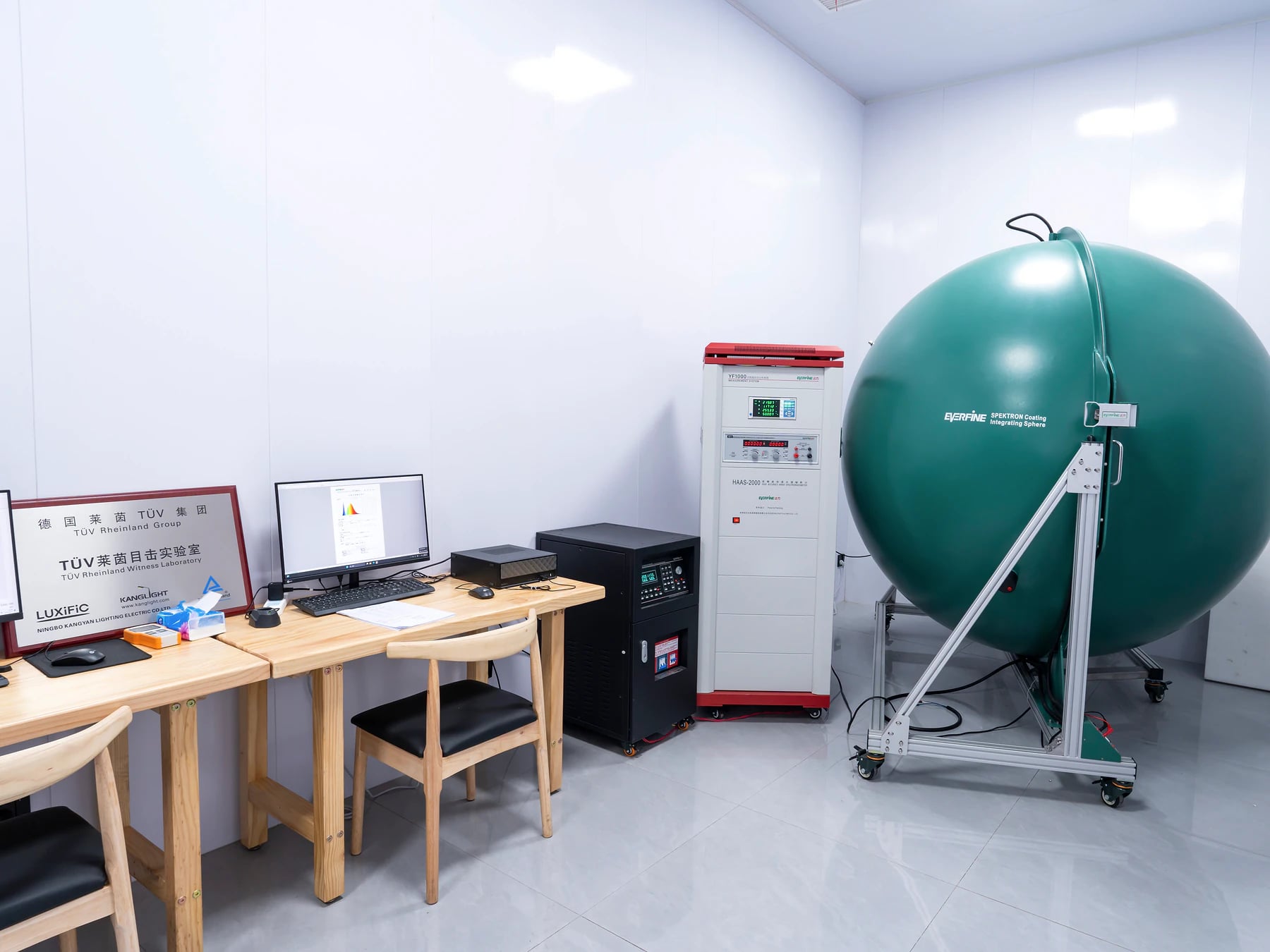
The supplied integrating-sphere image documents measurement equipment. It does not replace a model-specific file or project calculation.
State the area, surface or route the light must serve before discussing a distribution.

Request the applicable photometric or optical data for the selected model and configuration.
Explain whether the data is needed for layout, approval, comparison, simulation or procurement.
A measurement setup is evidence of a process context; it is not a guarantee that every model has the same result.
Use the supplied image to understand the measurement context, not as a substitute for a product file.
Tie every value or distribution request to the exact model and configuration.
State what the optical data will change in the project layout or approval process.
No. It shows measurement equipment. Request and review the optical data for the selected model and configuration.
Ask for the data needed by the specific design task, such as distribution, photometric reference, dimensions or model options.
Request optical evidence tied to the design task.
Thermal design and materials
Outdoor luminaires sit between material choices, environmental exposure, mechanical design and service expectations. Keep those questions visible in the project brief.
Describe exposure, mounting, operating context, service access and the material or thermal concern that the project team needs to resolve.
Use the production and testing imagery as context, then request the exact product evidence required for the project.
Record water, dust, heat, cold, coastal or other environmental conditions that need project-specific review.
Identify housing, finish, mounting and assembly questions without assuming an unverified material or rating.
Explain access, replacement, cleaning and maintenance expectations for the intended installation.
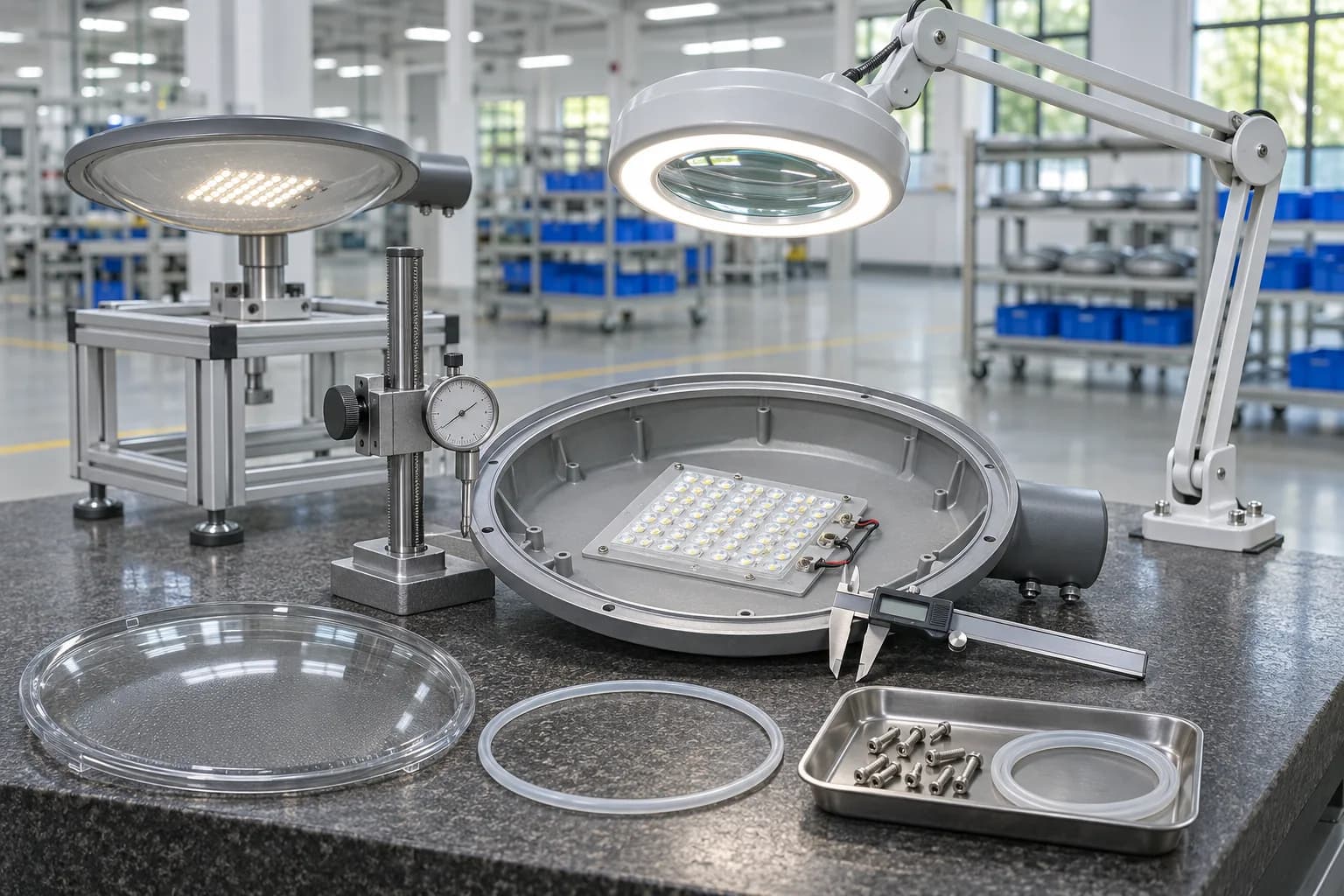
Testing and factory images show a real work context. The selected model and application still determine the evidence that applies.
Use the supplied test image to frame a question, then request the relevant record.
Confirm the configuration and operating limits for the exact product under review.
Keep mounting and service constraints beside the technical request.
No. Protection, materials and operating limits need model-specific confirmation and should not be inferred from a general image.
Include environment, mounting, operating context, service expectations, model or family and the specific document or answer required.
Bring the physical product questions into the brief.
Controls and integration
Controls affect product choice, wiring, commissioning and the documents a project team needs. Name the integration question early.
State what needs to be controlled, how the installation is organized, who owns commissioning and which market or project requirements must be checked.
The page helps a buyer prepare a request; it does not claim that every product supports every control protocol.
Explain dimming, scheduling, monitoring, grouping or another intended control behavior.
Share the available supply, wiring, driver and mounting context that may affect integration.
List the wiring diagrams, configuration notes or project records the installation team needs.
A control requirement should be reviewed against the exact model, driver, market and project architecture.
Show which parts belong to the luminaire, control system, gateway or site installation.
Tie compatibility requests to the selected product and configuration.
Clarify who needs to install, configure, test or maintain the control behavior.
The supported controls depend on the selected product and configuration. Request confirmation for the actual model and project architecture.
Include the desired behavior, supply and wiring context, selected model or family, destination market and required integration documents.
Turn the integration question into a model review.
Resource
A controls brief describes the required operating behaviour before naming an interface. Record switching, dimming, schedules and any existing system, then check compatibility against the exact luminaire configuration. A listed control option does not confirm that every accessory or management function is included.
01 / Intent
A lighting controls brief is a description of the required operation, not an assumption about a luminaire interface. State whether the project needs scheduled operation, dimming, scene control or a switched arrangement. Identify the existing control system, requested interface and any integration documents. Compatibility must then be checked against the exact product configuration before it is treated as available.
02 / Compatibility
Record the requested interface, operating environment, mounting context, and available documentation so compatibility can be reviewed against the actual product.
03 / Brief
A project brief should distinguish the control expectation from verified product capability and leave any unconfirmed interface detail open for technical review.
Your next step
Tell the team which product, target market and technical documents matter to your specification.